MSI’s “Safety” Connector May Be Creeping Loose: Users Report Spontaneous Unseating
The saga of melting 16-pin GPU power connectors has taken a frustrating new turn. A growing number of users are reporting that MSI’s distinctive yellow-tipped 16-pin connectors—specifically designed to help users verify a secure connection—may be slowly working themselves loose over time, undoing the very safety measure they were intended to provide.
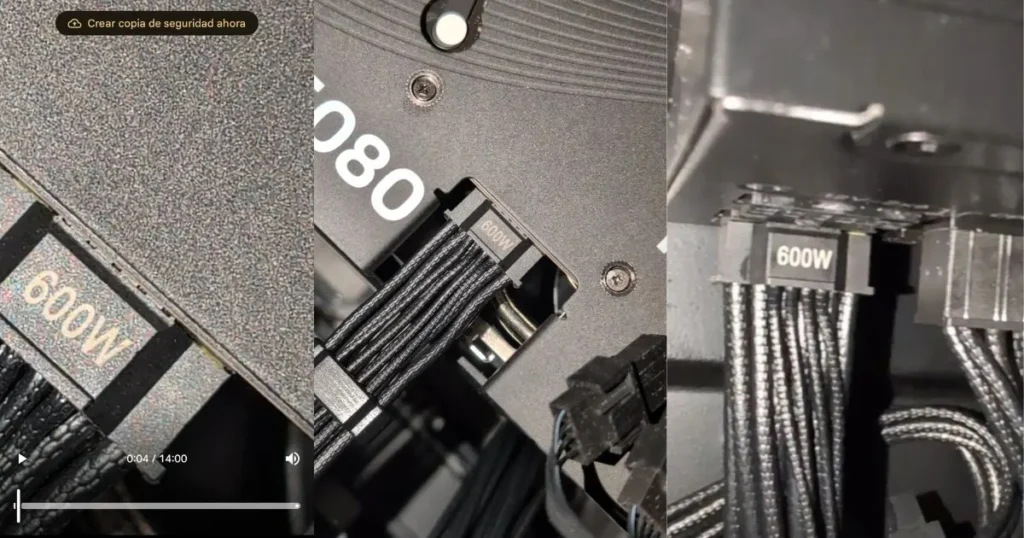
The connector’s design is elegantly simple: the tip is colored bright yellow, and the idea is that if you can still see any yellow after plugging it in, the connector isn’t fully seated. When properly inserted, the yellow disappears into the socket, giving users a clear visual confirmation of a safe connection.
But according to a detailed Reddit post that has resonated with dozens of other users, that initial secure connection may not last.
“They Seem to Slowly Back Themselves Out”
Reddit user SnooPaintings7769 described a troubling pattern with their MSI power supply and its yellow-tipped cable. Despite ensuring the connector was fully inserted and clicked into place on both the GPU and PSU ends, with no cable tension or sharp bends, the connector gradually shifted over time.
“Little by little, I start seeing the yellow part of the connector becoming visible, as if it’s not fully inserted anymore,” the user wrote. “It’s almost like they’re gradually sliding out on their own. I double-check them and push them back in, but after some time, the same thing happens again”.
Prompted by the original post, other users checked their own systems and reported identical behavior. Photos shared online clearly show connectors where the yellow tip has become partially visible again, despite having been properly seated during initial build.
Why This Matters: The Physics of Melting
If a connector is not fully seated, the problem isn’t the visible yellow plastic—it’s what the gap represents. Incomplete insertion means reduced contact area on one or more of the power-carrying pins. This increases electrical resistance at the interface, which in turn generates heat under load. That heat can escalate rapidly, leading to the partial melting patterns seen in countless 16-pin failure reports, where damage starts on one row of pins rather than across the entire connector.
The irony is stark: a feature designed to prevent melting may be creating conditions that lead to it, by masking the fact that a once-secure connection is no longer safe.
The Likely Culprit: Thermal Cycling
Industry observers and technical analysts point to a phenomenon called thermal cycling as the most likely explanation.
During intensive gaming or rendering sessions, the connector heats up as high current flows through it. When the system idles or shuts down, it cools. This repeated expansion and contraction of materials—plastic and metal—can gradually work against the connector’s retention mechanism, causing it to “creep” outward over weeks or months of use. The very process of doing its job may be slowly undoing the connection.
MSI Acknowledges “Defective” Batches
In response to the growing outcry, MSI has reportedly confirmed to the original user that their power supply unit belongs to a “defective” batch. This admission, while specific to one user’s unit, raises the possibility that a broader population of power supplies and cables may share the same underlying flaw.
As of now, MSI has not issued a formal recall or provided details on how affected customers can identify or replace potentially defective units. The company has been contacted for comment, and updates will follow as more information becomes available.
Not an Isolated Phenomenon
This discovery is particularly significant because it reframes many earlier melting incidents. In numerous cases where users swore their connectors were fully inserted, post-mortem skepticism often centered on the possibility of user error. But if connectors can gradually loosen on their own, then even the most meticulous builder could be at risk weeks after assembly.
It also validates the yellow-tip concept in an unintended way: the feature is successfully alerting users to a problem. The problem is that the problem shouldn’t exist in the first place.
Also, Read
- GPU Maker Reveals Data – Only 15 Melted Power Connectors in Europe Since RTX 4090 Launch
- High-End GPU Meltdown – RTX 5090 Owner Reports Burned Power Connector Despite Precautions
- Fifth Reported Case of Sapphire RX 9070 XT GPU Burned Power Connector
What Users Can Do Now
For those using MSI power supplies or the yellow-tipped adapters included with some MSI GPUs, the immediate recommendation is simple: check your connection. Regularly inspect the 16-pin connector on your graphics card. If any portion of the yellow tip is visible, the connector is no longer fully seated and should be pushed back in immediately.
For long-term peace of mind, users may consider alternative cabling solutions. Native 12V-2×6 cables from high-quality ATX 3.1 power supplies are generally preferred over adapters, and some third-party accessories now include active monitoring features that can warn of voltage drops or overheating.
As the community awaits official guidance from MSI, the incident serves as a reminder that even well-intentioned engineering can encounter unforeseen failure modes—and that in the world of high-power GPU connectors, vigilance remains the best defense.